
How AI Agents Can Manage Your Calendar, Inbox, and Follow-Ups Together
Imagine starting your workday without checking dozens of emails, manually scheduling meetings, or maintaining a separate follow-up list.
An AI agent could review your inbox, identify what needs attention, schedule meetings around your availability, create reminders, and follow up with people automatically.
This is where AI agents for productivity are becoming more powerful.
Instead of using AI simply to generate text or answer questions, businesses can use AI agents to observe information, make decisions based on predefined rules, and take actions across multiple workflows.
What Is an AI Agent?
An AI agent is a software system that can work toward a goal by understanding information, deciding what needs to happen next, and using connected tools to perform tasks.
A traditional AI chatbot might tell you:
“You have three unanswered client emails.”
An AI agent could potentially go further:
- Identify the unanswered emails
- Determine which ones are high priority
- Check your calendar
- Find suitable meeting slots
- Draft or send a response according to your rules
- Schedule a meeting
- Set a follow-up reminder
- Update the relevant task or CRM
The key difference is action.
AI agents can connect different applications and coordinate tasks instead of treating every task as a separate activity.
Why Calendar, Inbox and Follow-Ups Should Work Together
Your calendar, email inbox, and follow-up list are not actually separate workflows.
They are connected.
For example:
Email → Meeting → Calendar → Follow-Up → Next Email
Suppose a potential client emails:
“Can we discuss your services next week?”
A conventional workflow might require you to:
- Read the email.
- Check your calendar.
- Reply with available times.
- Wait for confirmation.
- Add the meeting to your calendar.
- Attend the meeting.
- Remember to follow up afterward.
An AI-powered workflow can coordinate many of these steps.
That means less administrative work and fewer forgotten follow-ups.
How an AI Agent Can Manage Your Inbox
Your inbox contains much more than messages.
It contains tasks, decisions, deadlines, opportunities, and conversations.
An AI agent can help organize this information based on rules you define.
Email Prioritization
Instead of treating every email equally, an AI agent can categorize messages into groups such as:
- Urgent
- Important
- Requires a response
- Waiting for someone else
- Newsletter
- Promotional
- Low priority
For example, an email from an existing client could be prioritized over a promotional newsletter.
Identifying Action Items
AI can extract tasks from messages.
For example:
Email:
“Please send the revised proposal before Friday and let’s discuss the pricing next week.”
The agent could identify:
- Task: Revise proposal
- Deadline: Friday
- Meeting topic: Pricing discussion
- Follow-up: Schedule discussion next week
Instead of leaving these instructions buried inside your inbox, the information can become actionable.
Drafting Responses
AI agents can also prepare responses based on your instructions and communication style.
For sensitive or important emails, you can require human approval before sending.
This creates a useful middle ground:
AI prepares → Human reviews → AI executes
How AI Agents Can Manage Your Calendar
Calendar management involves more than adding appointments.
An AI agent can potentially understand your scheduling preferences and apply them consistently.
For example, your rules might be:
- No meetings before 10 AM
- Keep lunch free
- Avoid back-to-back meetings
- Reserve Friday afternoons for deep work
- Prefer virtual meetings for short discussions
- Allow important client meetings to override normal preferences
When someone requests a meeting, the agent can evaluate these constraints before suggesting available times.
Smart Meeting Scheduling
Instead of simply finding an empty calendar slot, an AI scheduling agent can consider:
- Your existing appointments
- Meeting duration
- Time zones
- Working hours
- Meeting priority
- Buffer time
- Your scheduling preferences
This makes scheduling more intelligent than simply asking, “Are you free at 3 PM?”
Automatic Calendar Updates
Once a meeting is confirmed, the workflow can potentially:
- Add the event
- Add participants
- Include meeting details
- Create reminders
- Attach relevant information
- Update related tasks
The result is a connected workflow rather than a collection of isolated actions.
How AI Agents Can Handle Follow-Ups
Follow-ups are one of the easiest tasks to forget.
You might send an important proposal today and remember about it only two weeks later.
An AI agent can monitor conversations and determine when a follow-up may be required.
For example:
Monday: Proposal sent
Thursday: No response
Friday: Follow-up reminder triggered
Next Monday: Second follow-up scheduled according to your rules
The exact actions should depend on your preferences and the importance of the conversation.
Follow-Up After Meetings
AI agents can also connect meetings with follow-up workflows.
After a client meeting, the system could potentially:
- Review meeting notes or transcript.
- Identify action items.
- Assign deadlines.
- Create tasks.
- Draft a follow-up email.
- Schedule a reminder.
- Update your CRM.
This can significantly reduce post-meeting administrative work.
The Real Power: Connecting the Three Workflows
The biggest advantage isn’t automating your calendar alone.
It isn’t automating your inbox alone.
It is connecting the workflows.
Consider this example.
A prospective customer sends an email asking for a product demonstration.
The AI agent could:
Step 1 — Inbox
Identify the email as a sales opportunity.
Step 2 — Response
Prepare a personalized response.
Step 3 — Calendar
Check your availability and suggest suitable slots.
Step 4 — Scheduling
Create the calendar event once the meeting is confirmed.
Step 5 — Preparation
Collect relevant customer information or previous correspondence.
Step 6 — Meeting
Record or process meeting notes if your tools and permissions allow.
Step 7 — Follow-Up
Identify action items and prepare the follow-up message.
Step 8 — Reminder
Schedule another follow-up if there is no response.
This creates an AI-powered business workflow from the first email to the final follow-up.
AI Agent vs Traditional Automation
There is an important distinction between AI agents and traditional automation.
Traditional automation usually follows fixed rules:
If X happens → do Y.
For example:
If a form is submitted → send an email.
AI agents can handle more flexible situations.
For example:
Review incoming client inquiries, determine which ones require meetings, find suitable times based on calendar preferences, and prepare appropriate responses.
The agent may need to interpret language, classify the request, select an action, and use multiple tools.
This makes AI agents particularly useful for workflows involving unstructured information.
What Tools Can AI Agents Connect?
Depending on the platform and permissions, an AI agent can potentially work across tools such as:
- Email platforms
- Calendar applications
- CRM systems
- Task-management software
- Messaging platforms
- Project-management tools
- Meeting transcription tools
- Customer-support platforms
- Document storage systems
The important concept is not the individual application.
It is the connection between applications.
Your AI agent becomes a coordination layer between the tools you already use.
Example: A Small Business Workflow
Imagine a consulting business receiving 30–50 client emails every day.
Without automation:
Inbox → Manual reading → Calendar checking → Reply → Reminder → Spreadsheet → Follow-up
With an AI agent:
Inbox → AI classification → Action extraction → Calendar coordination → Response → Task creation → Follow-up
The owner still controls important decisions, but repetitive administrative work can be reduced.
This can be particularly valuable for:
- Consultants
- Freelancers
- Sales teams
- Agencies
- Founders
- Recruiters
- Customer-support teams
- Professional service businesses
How to Build an AI Agent Workflow
You don’t necessarily need to automate everything at once.
Start with one repetitive workflow.
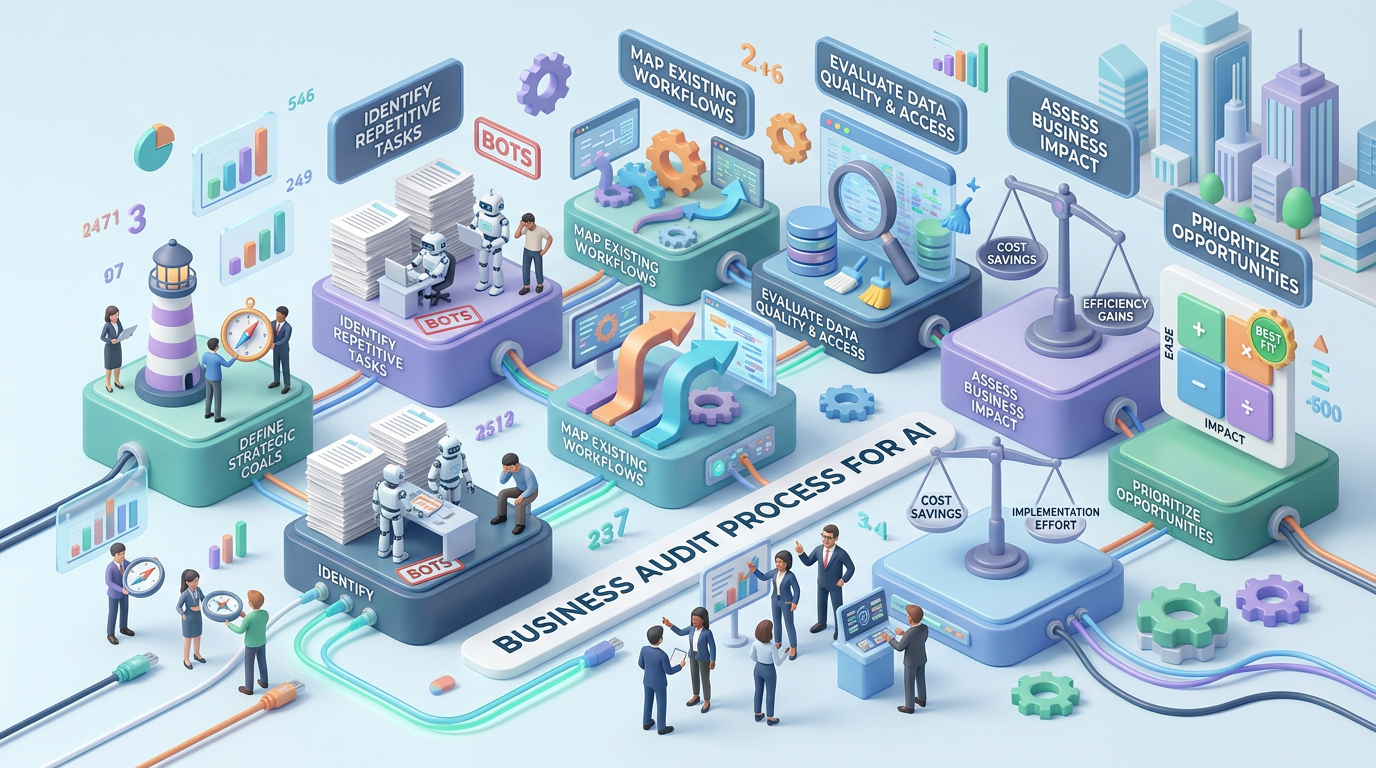
Step 1: Identify Repetitive Tasks
Look for tasks you perform repeatedly every day.
Examples:
- Scheduling meetings
- Sending reminders
- Checking unanswered emails
- Creating follow-up tasks
- Preparing meeting summaries
Step 2: Define Your Rules
Tell the system what it can and cannot do.
For example:
Can do automatically:
- Categorize emails
- Create reminders
- Suggest meeting times
Requires approval:
- Send client emails
- Cancel meetings
- Change important appointments
Clear boundaries are essential.
Step 3: Connect Your Tools
Connect only the applications required for the workflow.
For example:
Email + Calendar + Task Manager
You can add CRM or other systems later.
Step 4: Add Human Approval
Not every task should be completely autonomous.
For high-impact actions, use an approval step.
This is particularly important for:
- Financial decisions
- Legal communication
- Sensitive client information
- Important business commitments
- External communications
Step 5: Monitor and Improve
Review what the AI agent does.
Look for:
- Incorrect classifications
- Missed follow-ups
- Unnecessary reminders
- Poorly drafted responses
- Scheduling conflicts
Then improve the rules and workflow.
Benefits of AI Agents for Productivity
A well-designed AI agent workflow can provide several advantages.
Time savings:
Routine administrative tasks can be handled automatically.
Better follow-up:
Important conversations are less likely to disappear inside your inbox.
Improved organization:
Tasks, emails, and calendar events can be connected.
Fewer repetitive actions:
You don’t have to manually move information between applications.
Faster response times:
Important messages can be identified quickly.
Better focus:
You can spend more time on strategic and creative work.
What Are the Risks?
AI agents also introduce new risks because they can potentially take actions rather than simply provide information.
Important considerations include:
- Incorrect AI decisions
- Accidental emails
- Calendar conflicts
- Data privacy
- Excessive permissions
- Hallucinated information
- Misinterpreted instructions
- Security vulnerabilities
The solution isn’t necessarily to avoid AI agents.
It is to design them with appropriate permissions, approval checkpoints, monitoring, and clear rules.
The Future of AI-Powered Personal Assistants
The future of productivity may not be about having more applications.
It may be about having an intelligent layer that coordinates the applications you already use.
Instead of asking:
“Which app should I open?”
You could increasingly tell an AI agent:
“Handle my client follow-ups this week.”
The agent could then examine relevant conversations, check your calendar, identify outstanding actions, and organize the next steps according to your rules.
That represents a shift from AI as a chatbot to AI as an operational assistant.
Conclusion
AI agents can bring your calendar, inbox, meetings, tasks, and follow-ups into one connected workflow.
The biggest productivity gain comes not from automating one task, but from connecting several related tasks together.
For individuals and businesses, the ideal approach is to start small: automate repetitive scheduling, inbox organization, or follow-ups first, then gradually build a more intelligent workflow.
The goal isn’t to let AI make every decision.
The goal is to let AI handle the repetitive coordination work while you remain in control of the decisions that matter.
Leave a Reply