
Ko-fi in 2026: How to Let Fans Support You Directly (Without Needing 100K Followers)
Introduction: Why Waiting for 100K Followers Is a Trap
Most new creators fall into the same waiting game: they spend years chasing 100,000 followers so they can finally qualify for ad revenue or attract brand sponsorships. The reality is that ad RPMs fluctuate wildly and sponsorships are unpredictable—meanwhile, you may already have 500 loyal followers who genuinely appreciate your work and would gladly support you directly if you gave them a simple way to do it. Direct fan support flips the model from chasing viral views to serving a small, high-trust audience.
1. How Ko-fi Works (4 Income Streams Under One Link)
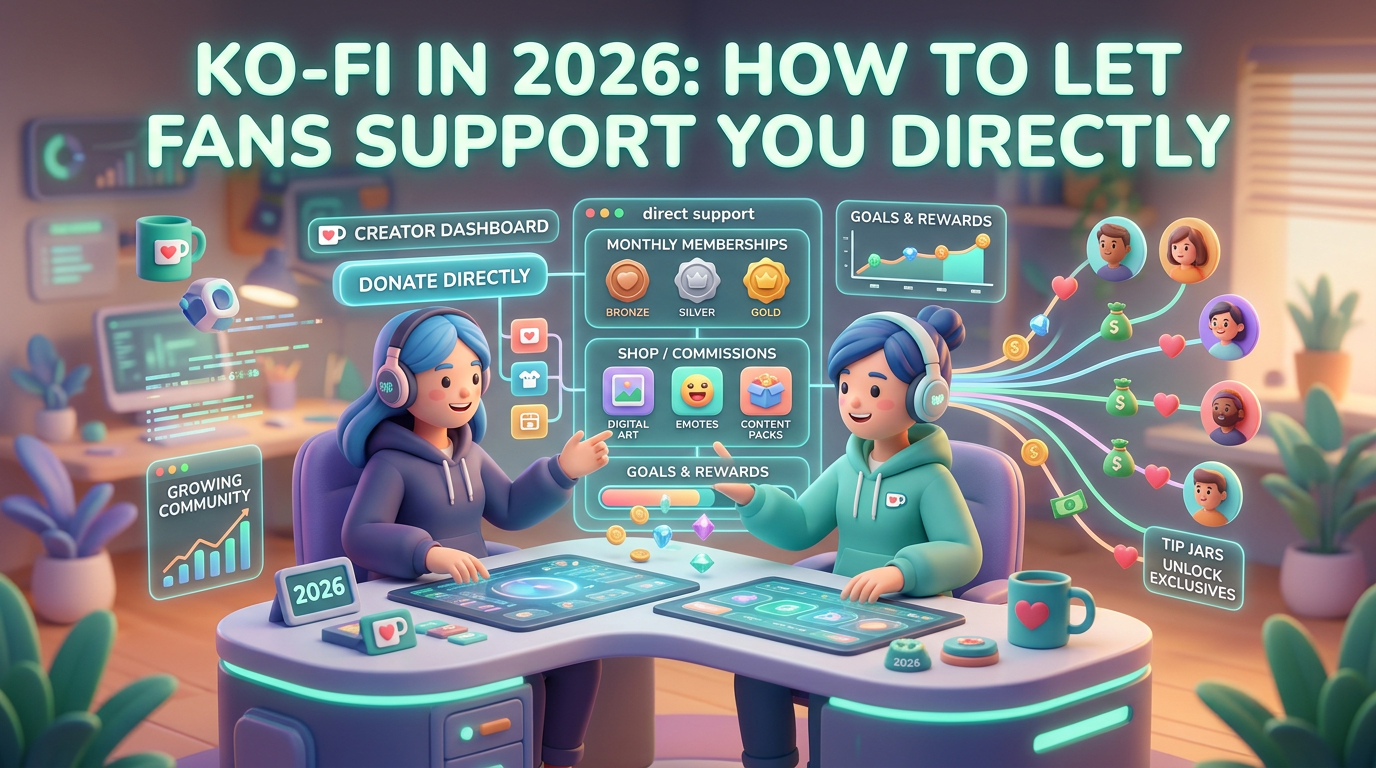
Instead of juggling separate tools for donations, subscriptions, and digital downloads, Ko-fi bundles four creator income streams into a single clean page:
- One-Time Tips & Donations: Supporters can send you a quick “coffee” or any custom amount in seconds without even creating an account.
- Monthly Memberships: Offer recurring monthly or annual tiers with exclusive posts, behind-the-scenes updates, templates, or private community perks.
- Ko-fi Shop: Sell digital downloads (ebooks, templates, PDFs, presets) or physical items—even the Free plan supports up to 600 items and 25GB of storage.
- Custom Commissions: Accept custom work, audits, or service requests with structured forms and upfront payments.
2. 2026 Ko-fi Pricing & Fees Breakdown
- Ko-fi Free ($0/month): 0% platform fee on tips and donations; 5% platform fee on memberships, shop sales, and commissions.
- Ko-fi Gold ($12/month): 0% platform fee on everything, plus custom branding, supporter-only perks, and analytics. Breaks even at $240/month in commercial (shop, membership, or commission) sales.
- Payment Processing & Instant Payouts: Standard Stripe or PayPal fees (~2.9% + $0.30 per transaction) apply on both plans, with instant direct payouts and no holding periods or minimum payout thresholds.
3. Ko-fi vs. Patreon & Gumroad
- Ko-fi: 0% tips / 5% commercial fee on Free (or 0% on everything with $12/month Gold), combining tips, memberships, shop, and commissions under one link.
- Patreon: Charges a 10% platform fee on new creator earnings (plus payment processing) and focuses mainly on recurring memberships.
- Gumroad: Charges a flat 10% fee (plus processing) per digital product sale without a 0%-fee tip jar or membership hub.
4. 3-Step Launch Checklist for Small Creators
- Create your page & connect Stripe/PayPal: Set up your profile in minutes so supporter payments land directly in your account.
- Add one $3–$9 starter digital item: Pair your tip jar with a simple template, checklist, or mini-guide so supporters receive immediate value.
- Put the link in your bio & mention it naturally: Share it whenever you publish high-value free tutorials, breakdowns, or reels.
MY assistant is in touch with you AudioNative Player…


Leave a Reply