
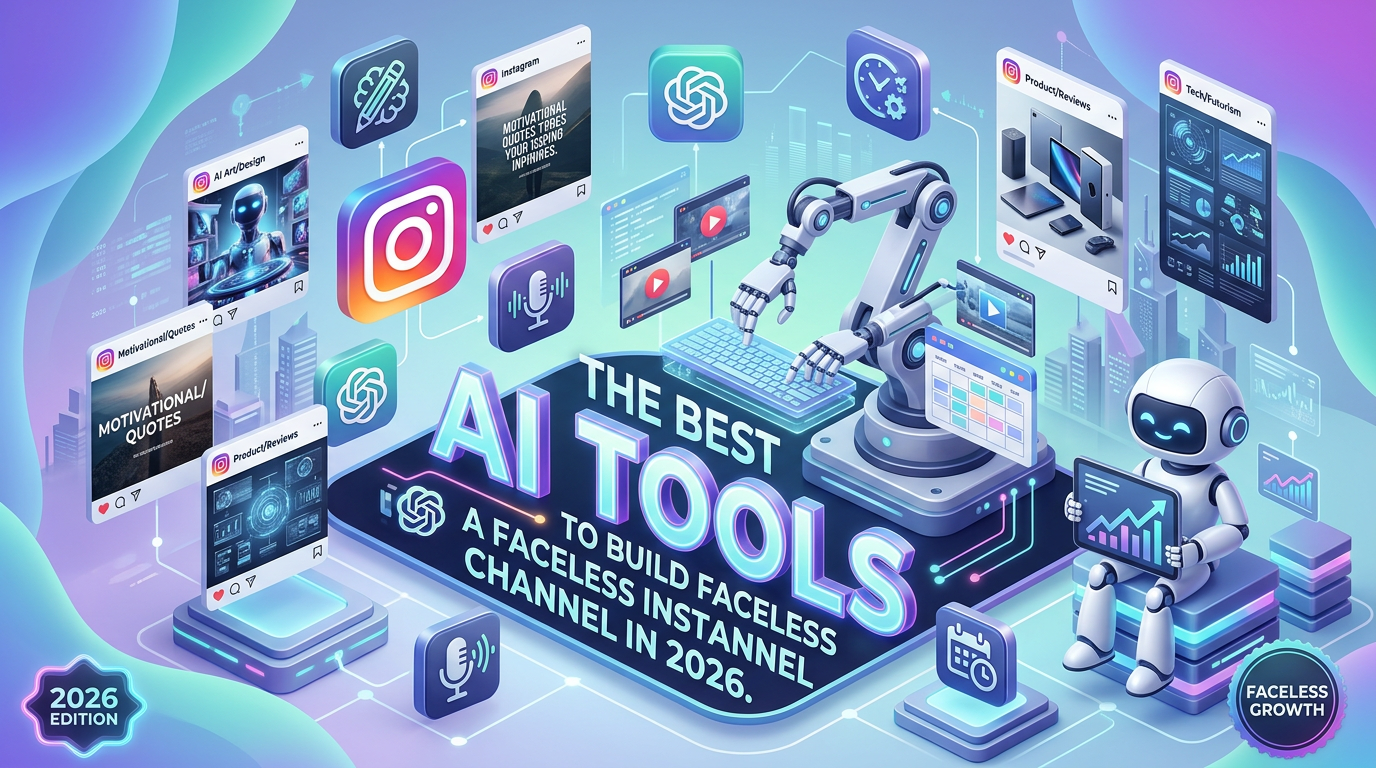
The Best AI Tools to Build a Faceless Instagram Channel in 2026
You don’t need a camera, studio, or even your own voice to start an Instagram content channel anymore.
AI can now handle much of the production process — from writing the script to generating the voice, creating visuals, producing an AI presenter and editing the final Reel.
But there’s an important distinction.
AI can make content production easier. It doesn’t automatically make the content good.
That’s why the goal shouldn’t be to find one magical AI tool that does everything. A better strategy is to build a simple AI content stack where each tool handles a specific part of the workflow.
Here’s the setup I’d recommend for anyone starting a faceless Instagram channel in 2026.
1. ChatGPT — Your Content Brain
Before worrying about video generation, you need something worth watching.
ChatGPT can help with almost every part of the content strategy:
- Finding content ideas
- Creating curiosity-driven hooks
- Writing Reel scripts
- Generating captions
- Creating CTAs
- Turning one idea into multiple posts
- Creating scene-by-scene video instructions
- Repurposing long-form content into short videos
For example, instead of asking AI:
“Write an Instagram Reel about skincare.”
Give it a more specific instruction:
“Create a 35-second Reel explaining three skincare mistakes people make every morning. Start with a surprising hook, create an open loop, use simple language and end with a comment CTA.”
The quality of the instruction dramatically changes the quality of the content.
2. HeyGen — Create Videos Without Being on Camera
If you want a human-looking presenter without actually filming yourself, HeyGen is one of the strongest options.
HeyGen currently offers more than 1,100 stock AI presenters and can turn scripts into presenter-led videos. It also supports custom AI avatars, voice cloning with consent and multilingual video creation.
That means you can create a consistent digital presenter for your Instagram page without recording yourself for every Reel.
You could have the workflow:
Script → AI presenter → AI voice → finished video
But there’s a catch.
Don’t make every video look like a corporate training presentation.
Instagram users are used to fast-paced content. If your AI avatar simply stands in the middle of the screen and reads a paragraph for 45 seconds, people will probably scroll.
Use the avatar as one element of the video rather than the entire video.
3. ElevenLabs — Give Your Channel a Consistent Voice
A faceless channel still needs a personality.
That’s where AI voice technology becomes useful.
Instead of changing the voice in every Reel, consider creating a consistent voice identity for the channel.
For example:
Hook → narration → B-roll → captions → sound effects
A consistent voice can make unrelated videos feel like they belong to the same brand.
This is particularly useful for niches such as:
- AI news
- Business
- Finance education
- Marketing
- Technology
- History
- Interesting facts
- Health education
- Productivity
The important thing is to use voices and voice-cloning features responsibly and only clone voices when you have the necessary permission.
4. CapCut — Turn AI Assets Into an Instagram Reel
Generating the raw content is only half the job.
You still need to turn it into something people actually want to watch.
CapCut’s AI video editor includes features for script generation, AI voices, avatars and automatically synchronized captions.
For Instagram Reels, use your editor to add:
- Dynamic captions
- B-roll
- Zooms and cuts
- Text overlays
- Sound effects
- Background music
- Screenshots
- Visual transitions
The goal isn’t to add effects everywhere.
The goal is to maintain attention.
A good faceless Reel should feel like something edited by a creator — not something exported directly from an AI generator.
5. AI B-Roll and Visuals — Don’t Depend on One Talking Avatar
This is where many faceless channels go wrong.
They create one AI avatar and use it for the entire video.
Instead, build a visual story.
Imagine your Reel is about:
“This Instagram page reportedly makes six figures without showing the creator’s face.”
You could show:
Scene 1: Instagram profile
Scene 2: Content examples
Scene 3: AI script generation
Scene 4: AI voice generation
Scene 5: Video production
Scene 6: Analytics
Scene 7: Monetization methods
The narration connects the scenes.
The visuals keep the viewer watching.
The Complete Faceless Instagram AI Workflow
Here’s the workflow I’d recommend.
Step 1: Find the idea
Research topics that already have curiosity, controversy, demand or strong search interest.
Don’t start with:
“What can AI generate?”
Start with:
“What would someone actually want to watch?”
Step 2: Write the hook
The first 1–2 seconds matter enormously.
Instead of:
“Today we’re going to talk about faceless Instagram accounts.”
Try:
“This Instagram page never shows a face — and claims to make $250K a month.”
Then immediately explain that the number is a claim, not automatically verified revenue.
Step 3: Write the script
Use a simple structure:
Hook → Curiosity → Explanation → Proof/example → Takeaway → CTA
Step 4: Generate the voice
Create the narration using your chosen AI voice.
Step 5: Generate the visuals
Combine:
- Screen recordings
- Stock footage
- AI-generated visuals
- Instagram screenshots
- Charts
- Text animations
- AI avatars when useful
Step 6: Edit
Bring everything into CapCut and build the final Reel.
Step 7: Publish and measure
Don’t judge the channel based on views alone.
Track:
- Watch time
- Average percentage watched
- Completion rate
- Shares
- Saves
- Comments
- Profile visits
- Follows per Reel
These numbers tell you much more than simply asking whether a Reel “went viral.”
The Best AI Stack for a Faceless Instagram Channel
If you’re starting today, here’s the stack I’d use:
| Task | Recommended Tool |
|---|---|
| Content ideas | ChatGPT |
| Research | ChatGPT + web research |
| Script writing | ChatGPT |
| AI presenter | HeyGen |
| AI voice | ElevenLabs |
| Video editing | CapCut |
| Captions | CapCut |
| Publishing | Meta Business Suite |
| Analytics | Instagram Insights |
You don’t necessarily need every tool from day one.
A beginner could start with:
ChatGPT + CapCut
Then add:
HeyGen if you want an AI presenter.
And:
ElevenLabs if voice quality becomes a major part of the brand.
Should You Use an AI Avatar or Stay Completely Faceless?
This depends on the niche.
For educational or business content, an AI presenter can work well because viewers get a consistent “host.”
For news, facts, storytelling and documentary-style content, a voiceover with B-roll may feel more natural.
For example:
AI avatar channel
“Here are three AI tools every small business should know…”
Documentary-style faceless channel
“This company spent millions building an AI system that can…”
The second format gives you far more freedom visually.
That’s why I would personally recommend a faceless documentary-style format over making every Reel an AI avatar video.
Can a Faceless Instagram Channel Really Make $250K a Month?
This is where you need to be careful.
You will see social media posts and side-hustle content claiming that faceless Instagram accounts make enormous amounts of money.
Some businesses and creators undoubtedly generate significant revenue from content.
But a headline like “$250K/month” does not mean that a typical faceless Instagram page will generate $250,000 every month.
Revenue could come from:
- Sponsorships
- Affiliate marketing
- Digital products
- Courses
- Services
- Lead generation
- Memberships
- Advertising
- E-commerce
And revenue is not the same thing as profit.
So don’t build your strategy around the headline.
Build around the business model behind the content.
The Real Opportunity Is the Content System
The biggest advantage of AI isn’t that it magically creates viral content.
It’s that it can reduce the production time required to test ideas.
Imagine creating 30 Reels manually.
You might need:
- Scriptwriting
- Recording
- Retakes
- Voice recording
- Video editing
- Captioning
- Thumbnail design
With a well-designed AI workflow, much of that production can become significantly faster.
That means you can spend more time on the parts AI cannot solve easily:
Choosing the right niche.
Finding interesting ideas.
Understanding your audience.
Building trust.
Creating a monetization strategy.
The Biggest Mistake With Faceless AI Channels
The biggest mistake isn’t using AI.
It’s looking like everyone else who uses AI.
If thousands of accounts are using the same AI avatar, same robotic voice, same captions and same stock footage, your content becomes interchangeable.
Your competitive advantage should therefore come from:
- A distinctive content angle
- Strong research
- Better storytelling
- Original examples
- Consistent branding
- A recognizable voice
- Useful information
- Strong editing
AI should accelerate your creativity — not replace it.
Final Verdict: The Best AI Setup for 2026
If you want to build a faceless Instagram channel without showing your face or spending hours behind a camera, AI makes the process much easier than it used to be.
My recommended setup is simple:
ChatGPT → content and scripts
HeyGen → AI presenter when needed
ElevenLabs → consistent AI voice
CapCut → editing and captions
But don’t try to automate everything.
The best faceless channels still have something that AI cannot simply generate on command: a reason for people to care.
Use AI to produce faster.
Use your own judgment to decide what deserves to be produced.
And if you’re serious about building a faceless channel, don’t chase the “$250K/month” screenshot.
Build a content system that can consistently produce good videos, grow an audience and eventually turn that audience into revenue.

Leave a Reply