
The Art of the Prompt: Why Your AI is Only as Smart as Your Instructions (And How to Fix It)
We’ve all been there. You open a fresh chat window, heart full of hope, and type something like, “Write me a revolutionary marketing strategy for my artisanal toaster company.” You hit enter, and the AI spits out a generic, lukewarm list of ideas that sounds like it was written by a corporate robot having a mid-life crisis.
The problem isn’t the AI. The problem is your prompt.
In 2026, treat-your-AI-like-a-magic-8-ball is dead. We are now in the era of Prompt Engineering, a fancy term that basically means “learning how to talk to your computer so it doesn’t give you garbage.” Whether you’re a total newbie, a jaded developer who’s seen too many JSON errors, or a business leader trying to justify that enterprise license, mastering the prompt is your new superpower.
Why “Just Winging It” is Costing You Money
If you’re still using one-sentence prompts, you’re essentially hiring a world-class consultant and then asking them to “do stuff.” It’s a waste of potential and, frankly, a waste of compute.
For the business folks: Bad prompts lead to “AI hallucination” (where the AI confidently lies to your face). For the tech pros: Bad prompts lead to inconsistent outputs that break your code. For the newbies: Bad prompts make you think AI is just a glorified search engine. It isn’t. It’s an engine, and the prompt is the fuel.
The 2026 Prompting Hierarchy: From Zero to Pro
To get the most out of tools like Gemini, GPT, or Claude, you need to move beyond simple requests. Here is how the pros are structuring their “asks” this year:
1. Give it a Persona (The “Role” Prompt)
Don’t just ask for a legal summary. Say: “Act as a senior corporate attorney with 20 years of experience in SaaS compliance.” This sets the “vibe” and constraints for the output. It’s like giving the AI a costume before it takes the stage.
2. Use Structural Tags (The “XML” Trick)
Jaded tech pros, this one is for you. AI models (especially Claude) have become obsessed with structure. Instead of a wall of text, use tags like <context>, <instructions>, and <output_format>. It keeps the AI from getting “lost” in long prompts.
Pro Tip: If you want a specific data format, tell it: “Provide the final answer within tags.” It saves you hours of manual cleaning.
3. The “Few-Shot” Method
If you want the AI to write like you, give it examples. This is called “Few-Shot Prompting.” Feed it three of your best emails before asking it to write a fourth. It’s the difference between a generic “Dear Valued Customer” and something that actually sounds like you didn’t just crawl out of a spreadsheet.
Don’t Rebuild the Wheel: Free Professional Prompt Libraries
Why sweat over a prompt when the geniuses at HubSpot, SEMRUSH, and Wharton have already done the heavy lifting? In 2026, the “secret sauce” isn’t writing prompts from scratch; it’s knowing where to steal the best ones.
The HubSpot “Loop Marketing” Library
HubSpot has released a specialized library centered around their Loop Marketing framework. It’s perfect for business owners who need to:
- Express: Define brand identity and style guides.
- Tailor: Create hyper-personalized messaging based on CRM data.
- Amplify: Optimize content for “AI Search” (the new SEO).
SEMRUSH: The SEO & Content Goldmine
If you’re trying to rank on page one (or be the top answer in an AI search), the SEMRUSH Prompt Library is your bible. They offer “professionally tested” prompts for everything from keyword intent analysis to generating meta descriptions that actually get clicks. They’ve basically automated the “jaded SEO specialist” role.
The Wharton AI Library
For those who want academic rigor without the tuition fees, the Wharton Interactive Library offers prompts designed for strategy, negotiation, and complex problem-solving. These aren’t just “write a blog” prompts; these are “help me figure out why my business model is failing” prompts.
Advanced Tactics for the Jaded & Experienced
For those of you who have been using AI since it could barely string a sentence together, here is what’s actually working in 2026:
- Positive Framing: Stop telling the AI what not to do. Instead of saying “Don’t use jargon,” say “Use language accessible to a 10th-grade student.” The “Pink Elephant” problem is real—if you tell a model “Don’t mention a toaster,” the first thing it thinks about is a toaster.
- Chain-of-Thought (Internalized): For models like Gemini Thinking or GPT-o1, you don’t need to say “Think step by step” anymore. They already do. Instead, focus on giving them High-Context Data.
- Prompt Caching: If you’re a developer, use prompt caching to save up to 90% on API costs. By keeping your long system prompts in the cache, you stop paying to send the same 2000-word instruction set over and over.
Frequently Asked Questions (FAQs)
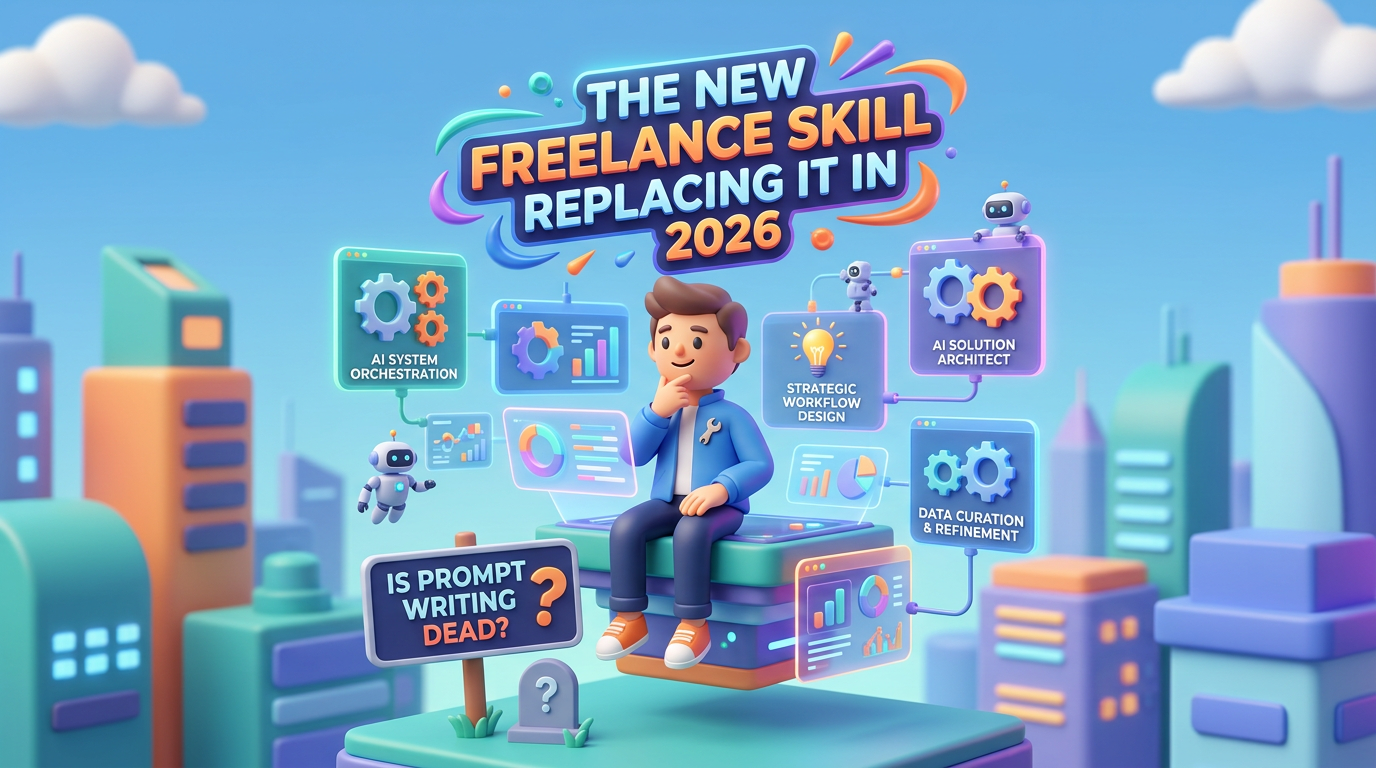
Q: Is “Prompt Engineering” still a real job in 2026? A: Yes and no. It’s less of a standalone job title and more of a “mandatory skill” for every office worker, much like “knowing how to use Excel” was in the 2000s. If you can’t prompt, you’re working 10x harder than the person sitting next to you.
Q: Which library is better: HubSpot or SEMRUSH? A: If you are focused on CRM and sales alignment, go with HubSpot. If your goal is content visibility and organic traffic, SEMRUSH wins every time.
Q: Do I need to pay for these prompts? A: No! The best libraries mentioned (HubSpot, SEMRUSH, Wharton) offer extensive free tiers or public guides because they want you to use their platforms more effectively.
Q: My AI keeps hallucinating. How do I stop it? A: Give it a “Grounding” instruction. Tell it: “Only use the provided text to answer. If the answer is not in the text, say ‘I don’t know’.” This prevents the AI from making up a fictional history for your company.


Leave a Reply